Check known threats
With your permission, the Android app sends a URL to SafeLink’s service and Google’s threat-checking service to look for known threats.
Internet + consent requiredONLINE + OFFLINE LINK AWARENESS
Meet SafeLink. Review suspicious links, reveal QR code destinations, and build safer browsing habits—before you open a website.
 Check before you click.
SMALL CHECKS. BETTER HABITS.
One app. Three ways to pause and inspect.
No result is a guarantee of safety.
With your permission, the Android app sends a URL to SafeLink’s service and Google’s threat-checking service to look for known threats.
Internet + consent requiredReview HTTP links, shortened URLs, disguised hosts, and other common warning signs directly on your device.
No URL sharing neededScan a QR code and load its text into the analyzer. Choose a check yourself; scanning does not open the destination.
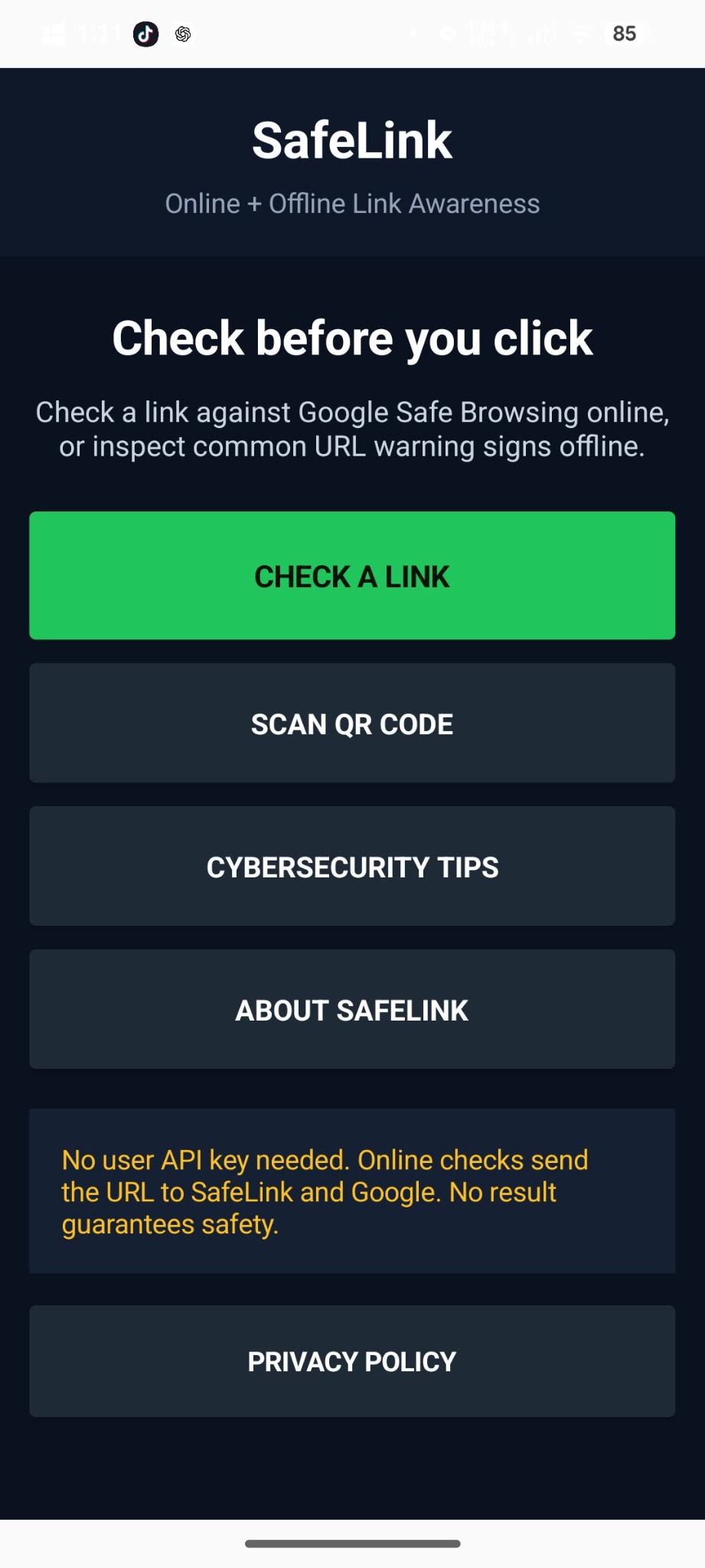
Camera permission requiredINSIDE SAFELINK
Your tools for everyday link awareness.
Select a screenshot for a closer look.
All the main tools, in one place.
Choose how you want to check.
Simple tips you can use daily.
Clear purpose and limitations.
YOUR FIRST CHECK
Copy a full HTTP or HTTPS URL without visiting it. Open SafeLink and select “Check a Link.”
Use “Offline Check” for local observations, or allow online URL checks and select “Check Online.”
Review the actual domain and the result carefully. If unsure, visit the official app or type its address yourself.
TAKE A SAFER HABIT WITH YOU
SafeLink for Android · Direct APK installation
Download the Android installer, then follow the installation steps.
PROJECT SHOWCASE
Feature artwork supplied with the project. The Help menu contains the requirement documents and manuals for this activity.
New threats can be missed, legitimate links can be flagged, and redirect destinations are not automatically expanded. Avoid sharing links containing passwords or private tokens.